Skip to content
Arena
Academy
Heroes
Esports
Tools
Academy
Guides
Search
Ctrl K
Sign in
Guides
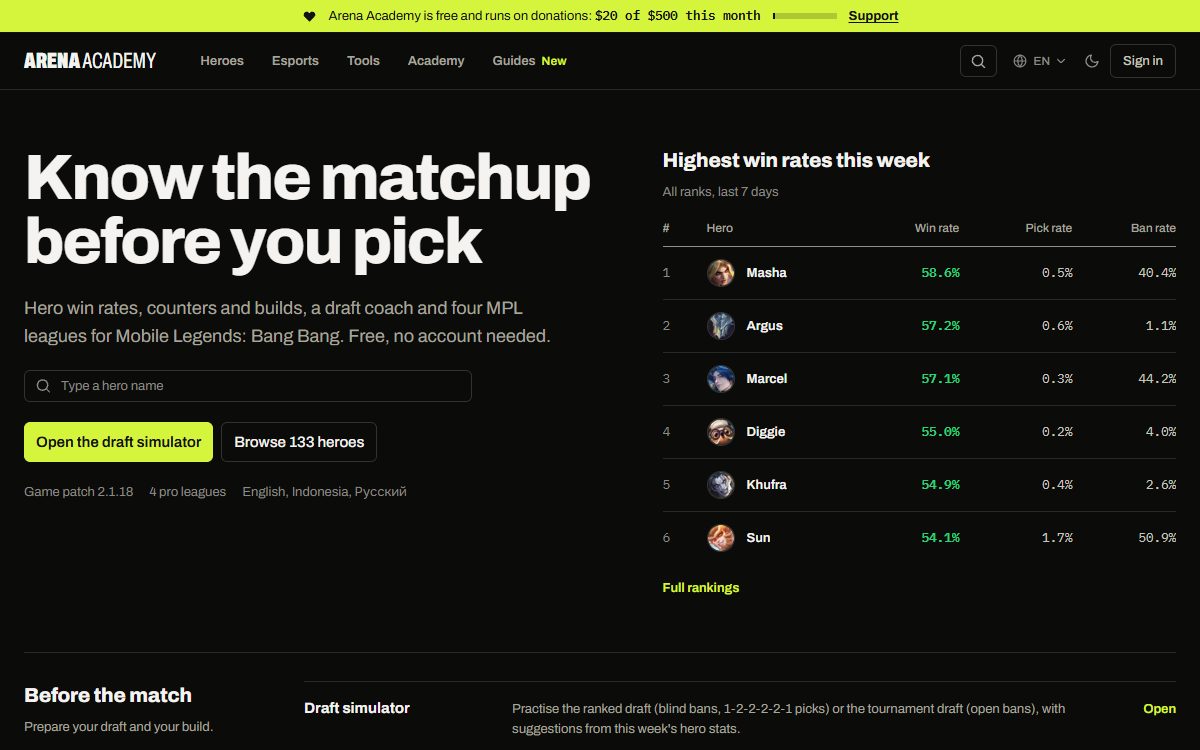
Find a hero
Search, filter the list and read a hero page.
Open the tool
Step 1 of 3
Search from anywhere
1
Search from anywhere
1
2
1
Search button
On every page. Ctrl K or / opens it too.
2
Hero search
Type part of a name and press Enter to go straight to the hero.
2
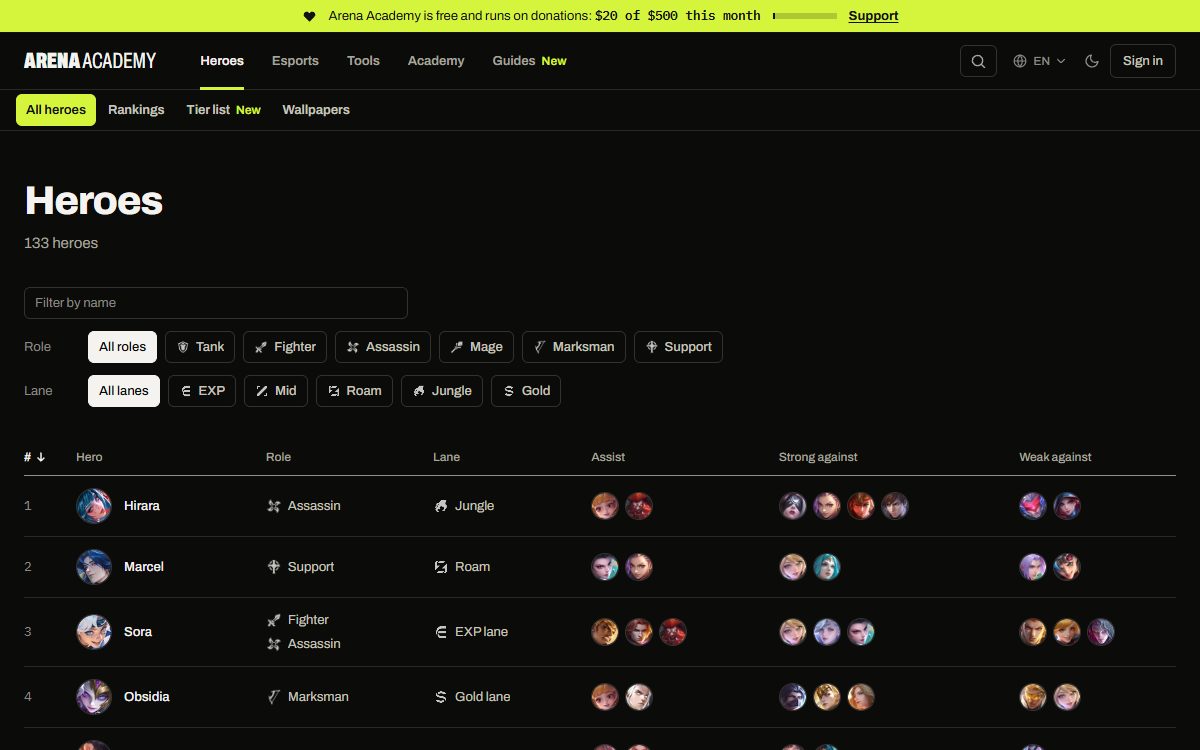
Narrow the list
1
2
3
1
Name
Filter the list as you type.
2
Role
Show one role. On a phone this is a menu.
3
Lane
Show one lane. Filters stay in the address, so you can share the link.
3
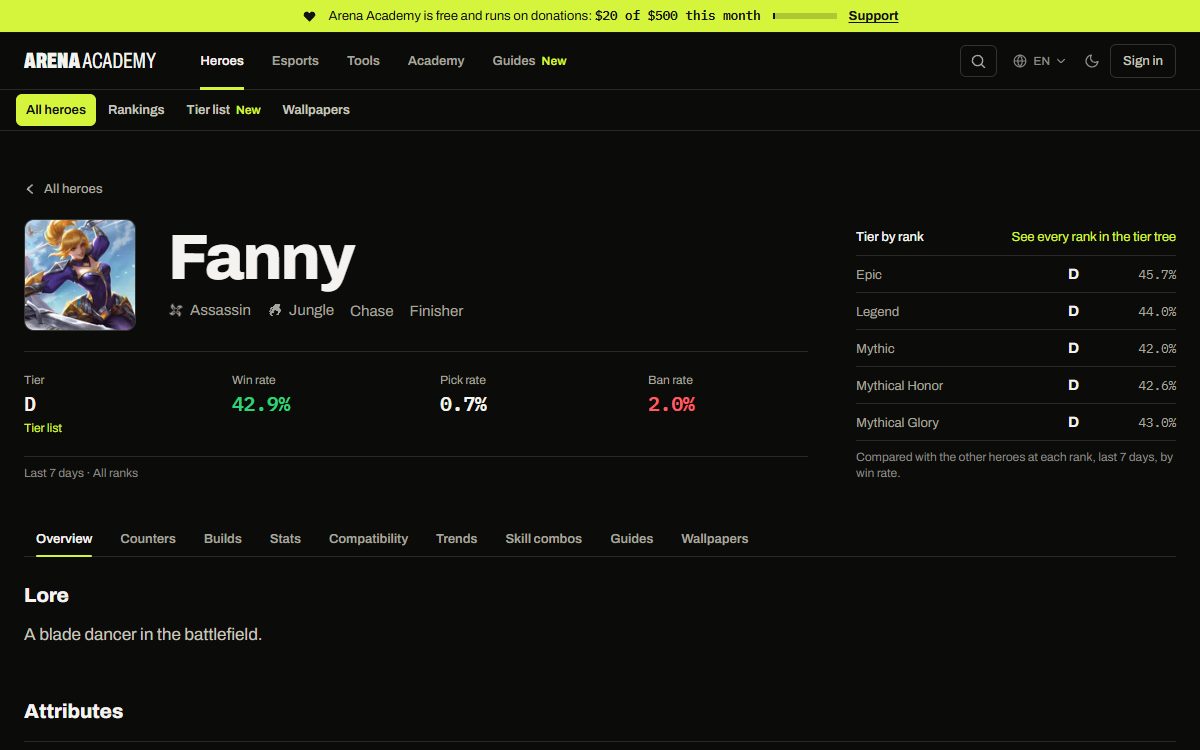
Read the hero page
1
2
3
1
This week
Tier, win, pick and ban rate.
2
Tier by rank
How the hero does at each rank.
3
Tabs
Counters, builds, stats, combos and more.
Steps in this guide
Search from anywhere
Narrow the list
Read the hero page
Next guide
Read rankings and tiers
Data API: all working
API 1.8.6